Quick Answer
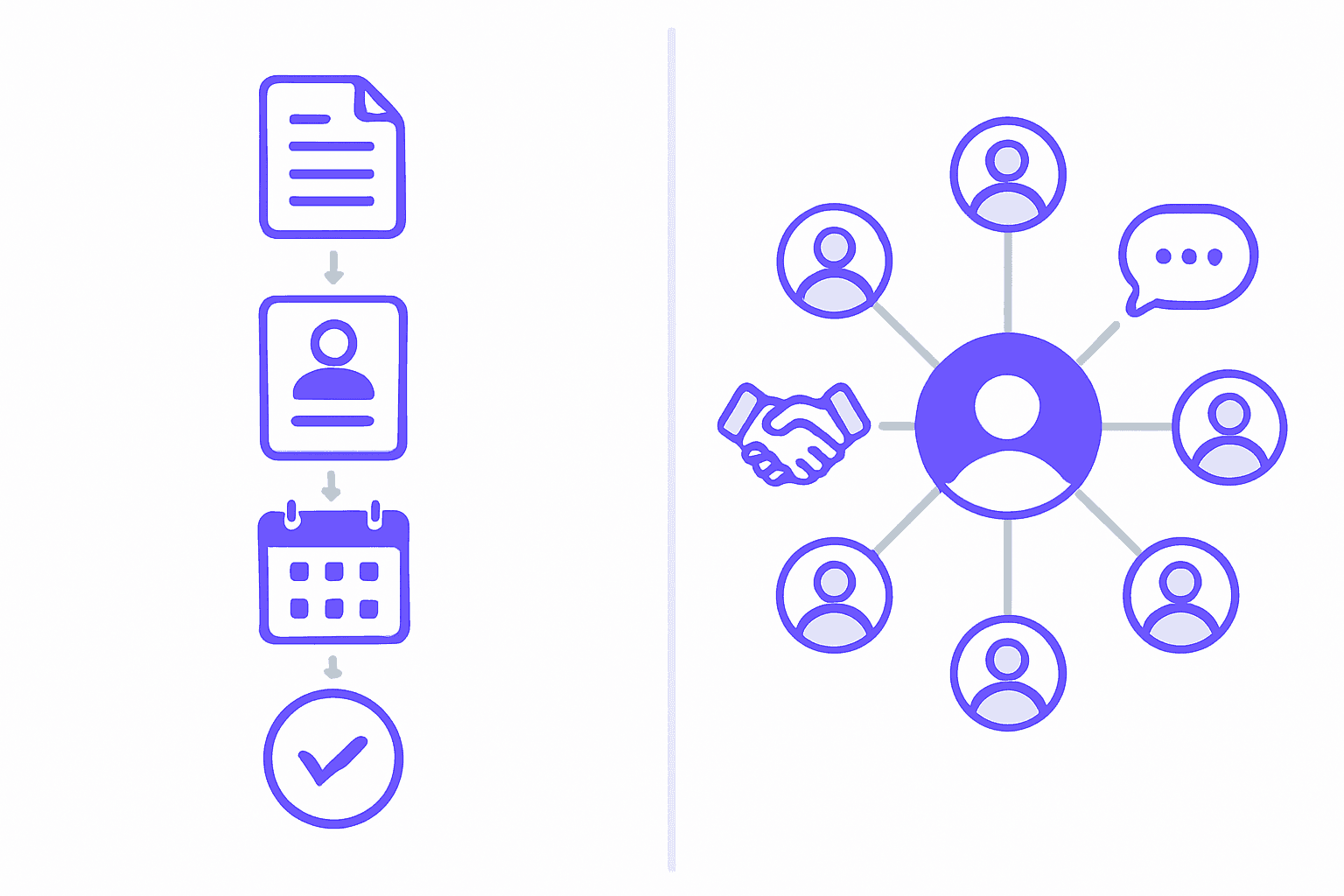
An ATS (applicant tracking system) manages the hiring workflow — job orders, submissions, interviews, placements. A staffing CRM manages relationships: candidates you aren't placing right now, and clients you want more job orders from. Agencies need both functions. Whether that's one platform or two depends on how much of your revenue comes from new business versus repeat clients and redeployment.
Ask five people in staffing what "CRM" means and you'll get five different answers. That's not because anyone's wrong. It's because the word is doing two jobs at once.
To one vendor, CRM means candidate relationship management — keeping your talent pool warm. To another, it means client relationship management — a sales pipeline for business development. Both are real. Both matter to an agency. And most vendor demos never tell you which one you're looking at until you're three questions in.
This post untangles the two meanings, lays out what an ATS and a staffing CRM each actually do, and gives you a straight answer on whether you need one system or two — including the cases where two genuinely wins.
TL;DR — Key Takeaways
| Question | Short answer |
|---|---|
| What's an ATS for? | Moving a specific job order from open to filled |
| What's a staffing CRM for? | Keeping candidates and clients warm between job orders |
| Do I need both? | Functionally yes. As two products, usually no. |
| Can I use HubSpot or Pipedrive? | For client BD only — they have no job order object |
| Biggest cost of running two? | Double entry and no single client history |
| What should I measure? | Redeployment rate and repeat-client revenue share |
The Word "CRM" Means Two Different Things in Recruiting
This is the part almost every other page on this topic skips past. They pick a definition and move on. But if you've sat through more than one vendor demo, you already know the confusion is real — and naming it is the fastest way out of it.
Candidate relationship management
This is the CRM that manages talent pools, nurture sequences, and redeployment — everyone you've sourced, interviewed, or placed who isn't on an active job order right now. Contractors between assignments. Silver medalists from a search you filled last quarter. Passive candidates a sourcer warmed up six months ago. This is the side most recruiters mean when they say "our CRM."
Client relationship management
This is the CRM your business development desk means: a sales pipeline for winning new clients and new job orders, complete with deal stages, contact history, and forecasting. It's functionally identical to what a sales team calls a CRM anywhere else — except the "deal" is a job order, and the account is a hiring manager who might also, confusingly, show up as a candidate in someone else's search two years from now.
Why vendors don't agree — and why demos talk past each other
Staffing-specific platforms (Bullhorn, RecruiterFlow, Loxo, Crelate, JobAdder) tend to build both meanings into one product, because in an agency both are needed and both touch the same people. Generic sales CRMs (Pipedrive, HubSpot, Salesforce) build only the client side — because that's the only side that looks like a normal sales pipeline to them. Neither camp is being dishonest. They're answering different questions about what a "relationship" is for.
When a vendor says "CRM," ask which side of the desk they mean. If the honest answer is "just the client side," you've just learned something a 45-minute demo probably wouldn't have told you.
What an ATS Actually Does
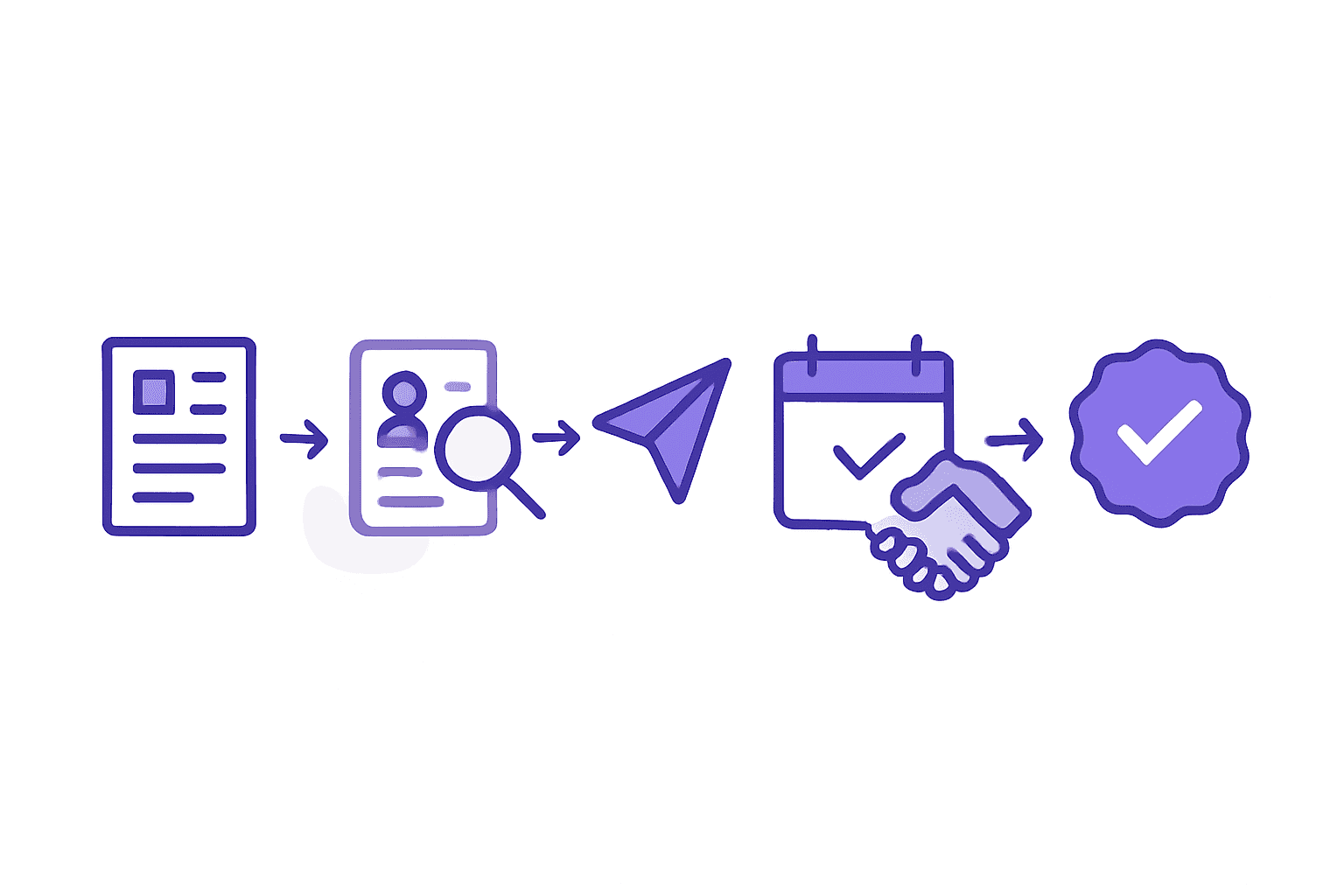
An applicant tracking system exists to move one job order through a fixed sequence: job order in, sourcing, submission to the client, interview, offer, placement — and, on the temp and contract side, timesheets and eventual redeployment. Every stage produces a record, and that record trail is the point.
An ATS is genuinely good at three things: a compliance record and audit trail you can produce if a client or regulator asks, pipeline visibility per req so you know exactly where every candidate stands, and submission tracking that stops two recruiters from putting the same candidate in front of the same client.
Where an ATS stops being useful
The moment a req closes, an ATS's job is basically done. But two things it was tracking a minute ago still exist: the candidate you interviewed and liked but didn't place, and the client who filled this req nine months ago and hasn't sent another one since. An ATS has no native reason to keep working on either of them. That's not a flaw — it's a scope boundary. It's just a boundary a lot of agencies don't realize they've hit until a placed candidate they lost touch with turns up on a competitor's desk.

What a Staffing CRM Actually Does
The candidate side: talent pools, re-engagement, redeployment
A staffing CRM keeps a living record of everyone who isn't on an active req right now, tagged and segmented so a recruiter can find "mid-level React developers who interviewed well but weren't a fit for the last two roles" in seconds instead of scrolling through a closed pipeline. When a contract ends or a role opens that matches, the CRM is what surfaces that candidate again — automatically, not because someone happened to remember.
The client side: BD pipeline, contact history, job order forecasting
On the other side of the desk, a staffing CRM tracks every client interaction — every job order they've ever sent, including the ones you didn't fill, every contact at the account, and a forecast of what they're likely to need next based on hiring patterns. That history is the difference between a BD call that sounds informed and one that starts from zero.
This is also where the numbers get interesting. According to Bullhorn's 2026 GRID Industry Trends Report (roughly 2,300 respondents, fielded November–December 2025):
48% of staffing agencies don't track redeployment rate at all
Redeployment rate — how often you place a contractor back into a new assignment after their last one ends — is one of the clearest CRM-driven metrics in the business. Nearly half the industry isn't measuring it.
85% of firms with a redeployment plan report placement times under 20 days
The metric most associated with fast placement is the one half the industry doesn't measure. Redeployment is a CRM function — it depends entirely on whether you kept a usable record of who's available and when.
Neither stat proves redeployment planning causes faster placement on its own — agencies that plan redeployment are probably more organized generally. But the correlation is exactly what you'd expect if a CRM is doing its job: the candidates you need are already warm instead of starting from a cold search.
ATS vs CRM: A Side-by-Side
Here's where the categories actually diverge — and where a generic sales CRM quietly falls short of both. ✅ = built in natively, ⚠️ = partial or bolted on, ❌ = not there.
| Capability | ATS | Staffing CRM | Generic sales CRM |
|---|---|---|---|
| Job order / requisition record | ✅ | ✅ | ❌ |
| Candidate pipeline per req | ✅ | ⚠️ | ❌ |
| CV parsing & search | ✅ | ⚠️ | ❌ |
| Submission tracking | ✅ | ⚠️ | ❌ |
| Interview scheduling | ✅ | ⚠️ | ❌ |
| Talent pool nurture | ❌ | ✅ | ⚠️ |
| Redeployment triggers | ❌ | ✅ | ❌ |
| Client contact history | ⚠️ | ✅ | ✅ |
| BD pipeline & deal stages | ❌ | ✅ | ✅ |
| Revenue forecasting | ❌ | ⚠️ | ✅ |
| Compliance & audit trail | ✅ | ⚠️ | ❌ |
| Timesheets / middle office | ⚠️ | ⚠️ | ❌ |
| Two-sided contact model (candidate = client contact) | ❌ | ✅ | ❌ |

Do You Need One System or Two?
The case for two systems
Be fair to this option, because it genuinely wins for some agencies. If you run a large dedicated new-business team that lives and breathes complex deal stages, territory management, and multi-touch forecasting, a purpose-built sales CRM's BD module will out-run a recruiting CRM's BD features, which are usually thinner by comparison. Executive search shops with long, high-touch client relationship cycles sometimes land here too — the sales-CRM muscle matters more than the candidate-side muscle.
The case for one system
For most agencies — especially anywhere temp, contract, or high-volume perm work drives real redeployment activity — one platform wins. The reason isn't elegance. It's that the same person is routinely both a candidate and a client contact, and two separate systems have no native way to represent that.
The hidden cost of two: double entry and "which record is right"
Two systems, one candidate: the reconciliation problem
A hiring manager you placed as a candidate three years ago is now the client contact sending you job orders. Your ATS has her as a closed candidate record with an old resume. Your sales CRM has her as a fresh client contact with none of that history. Someone updates her phone number in one system. Nobody updates the other. Six months later a recruiter pitches her old resume back to her by mistake, because that's the record that came up first. That's not a hypothetical — it's the default outcome of running two databases with no shared key.
Multiply that by every candidate who becomes a hiring manager, every hiring manager who becomes a candidate, and every recruiter who has to guess which system has the current phone number. That reconciliation tax is the real cost of "just use two tools" — it rarely shows up on a pricing page, but it shows up in every recruiter's week.
A decision framework
| Your situation | Likely right answer | Why |
|---|---|---|
| Perm agency, under 10 recruiters | One system | Low volume makes reconciliation overhead disproportionately expensive for the headcount |
| Temp/contract, high redeployment | One system | Redeployment lives or dies on candidate-side CRM data being current and connected to job orders |
| Split desk, heavy BD team | Two systems, possibly | A dedicated BD team may outgrow a recruiting CRM's deal-stage depth |
| Executive search, long relationship cycles | Depends on BD complexity | Relationship depth matters more than transaction volume — evaluate the BD module specifically |
| High-volume light industrial | One system | Volume and redeployment speed punish any manual reconciliation step |
| Multi-brand group, separate P&Ls | One system per brand | Shared infrastructure, separate data — avoid a single sales CRM stitched across brands with different processes |
Why a Generic Sales CRM Usually Doesn't Work for Staffing
Pipedrive shows up ranking on staffing-CRM search terms. HubSpot and Salesforce show up in the same conversation. That's a real signal: agencies are actively being sold sales CRMs that were never built for a two-sided market, and some of them buy. Here's why that usually goes wrong.
One contact object, two roles
A generic CRM has a single 'contact' record type. The moment someone is both a candidate and a client contact, the system has nowhere clean to put that. You end up with duplicate records or a contact type that doesn't fit either use.
No job order as a first-class record
Sales CRMs model a 'deal.' Staffing needs a job order: multiple candidates, multiple stages, a client, and a fill outcome, all linked together. Forcing a job order into a generic deal object loses the structure that makes reporting useful.
No CV parsing, no compliance fields, no timesheet linkage
None of this is a gap a sales CRM is trying to fill — it's simply outside scope. You'll be pasting resume text into notes fields and tracking compliance in a spreadsheet next to the CRM, not inside it.
To be fair to the other side: generic CRMs are genuinely stronger at deal forecasting depth, territory management, and marketing automation than most staffing-specific CRMs. If your business development motion looks like enterprise software sales more than it looks like recruiting, that strength is real — it's just a different job than managing a candidate pipeline.
What to Ask on a Demo
Most demos are built to show you the happy path. These questions are built to show you the edge cases — which is where the ATS-vs-CRM confusion actually costs money.
- Show me a person who is both a candidate and a client contact. One record or two?
- Show me every job order this client has ever sent us, including the ones we didn't fill.
- What triggers a redeployment outreach when a contract ends? Show me the automation.
- What happens to a candidate we rejected — where do they live and how do we find them again?
- Can I see gross profit by client, by recruiter, and by desk without exporting to Excel?
- What's included at my seat count, and what's a paid add-on? (Get this in writing.)
- What does data migration cost and how long does it take?
- If we leave, what format do we get our data in, and what does that cost?
One system. ATS + CRM, built for agencies.
HRmony runs the req-to-placement workflow and the candidate and client relationships in the same platform — one contact record, one job order history, no reconciliation tax. See what's included at each seat count on the pricing page, or read how HRmony compares to the platforms in this article.
See What's Included →Related Reading
FAQ: Staffing CRM vs ATS
What is a staffing CRM?+
Is Bullhorn an ATS or a CRM?+
What's the difference between an ATS and a CRM in recruiting?+
Do recruitment agencies need both an ATS and a CRM?+
Can you use HubSpot or Salesforce as a recruiting CRM?+
What is candidate relationship management?+
How much does staffing CRM software cost?+
Why do staffing agencies need a CRM if they already have an ATS?+
Sources & Further Reading
Martin Gordon
Co-founder & CEO, HRmony.ai
Martin has 15+ years in recruiting technology and talent operations. He co-founded HRmony.ai to give agencies one workspace that actually fits how a two-sided business works — job orders and relationships, on both sides of the desk, in the same system. About HRmony